Team & roles
You don't have to run gitmoreviews alone. Invite teammates to your account — everyone works with the same cards, businesses, and reviews, with permissions that match their job.
The three roles
| Role | Best for | What they can do |
|---|---|---|
| Owner | The account creator | Everything — including inviting teammates, changing roles, and removing members. |
| Admin | Trusted operators | Set up cards, edit names and labels, manage businesses & people, place orders, and change account settings. Can't manage the team. |
| Manager | Anyone who needs visibility | View the reports dashboard. Nothing else — no editing, no orders, no settings. |
Inviting a teammate
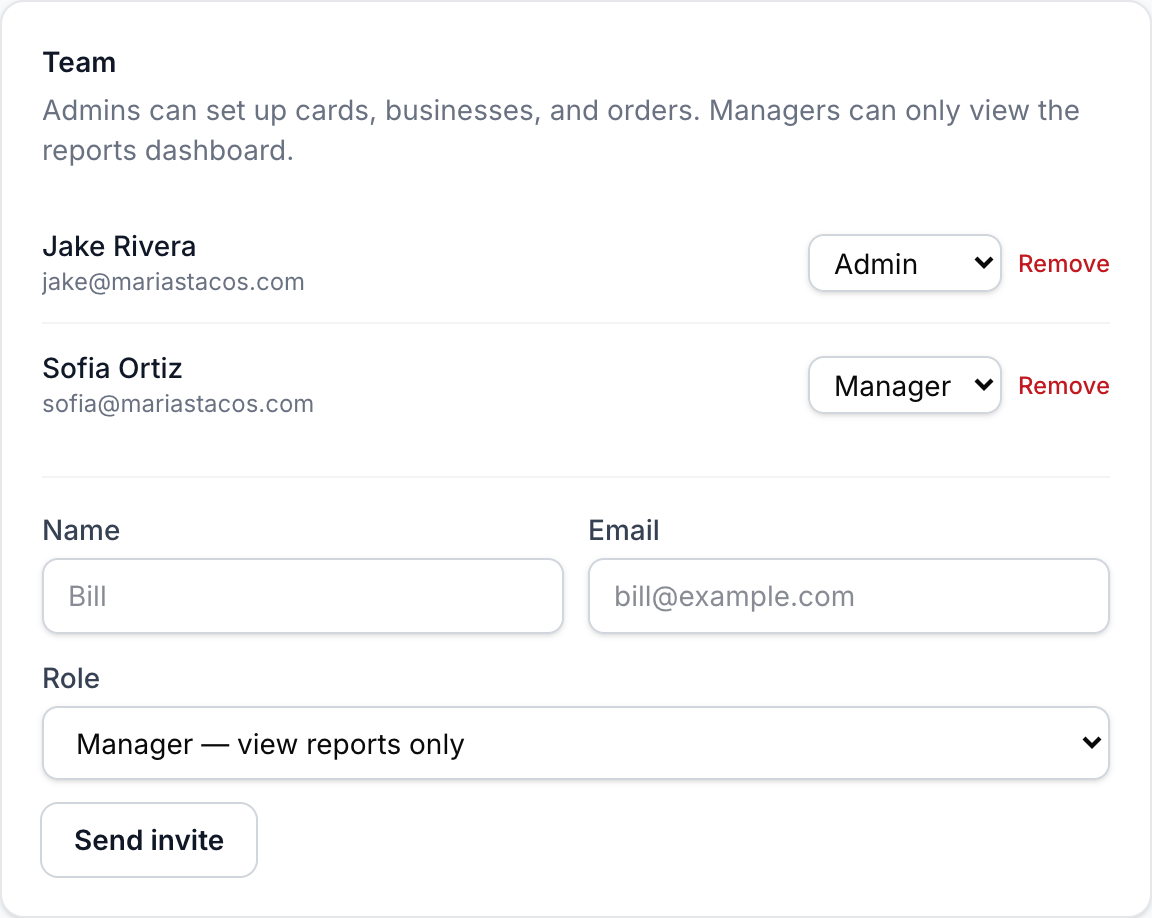
As the owner, open Settings → Team, enter their name and email, pick a role, and send the invite. New to gitmoreviews? They get an email with a link to choose their password — valid for 7 days — and land straight in your account. Already have an account? No problem: your organization is simply added to theirs, and they can hop between them with the organization switcher in the sidebar.
Changing or removing access
Roles take effect immediately: switch a manager to admin and they can start setting up cards on their next click. Removing a member disconnects your organization from their login on the spot — their own account and any other organizations they belong to are untouched, and your cards, businesses, reviews, and history all stay put, because everything belongs to the account, not the individual.